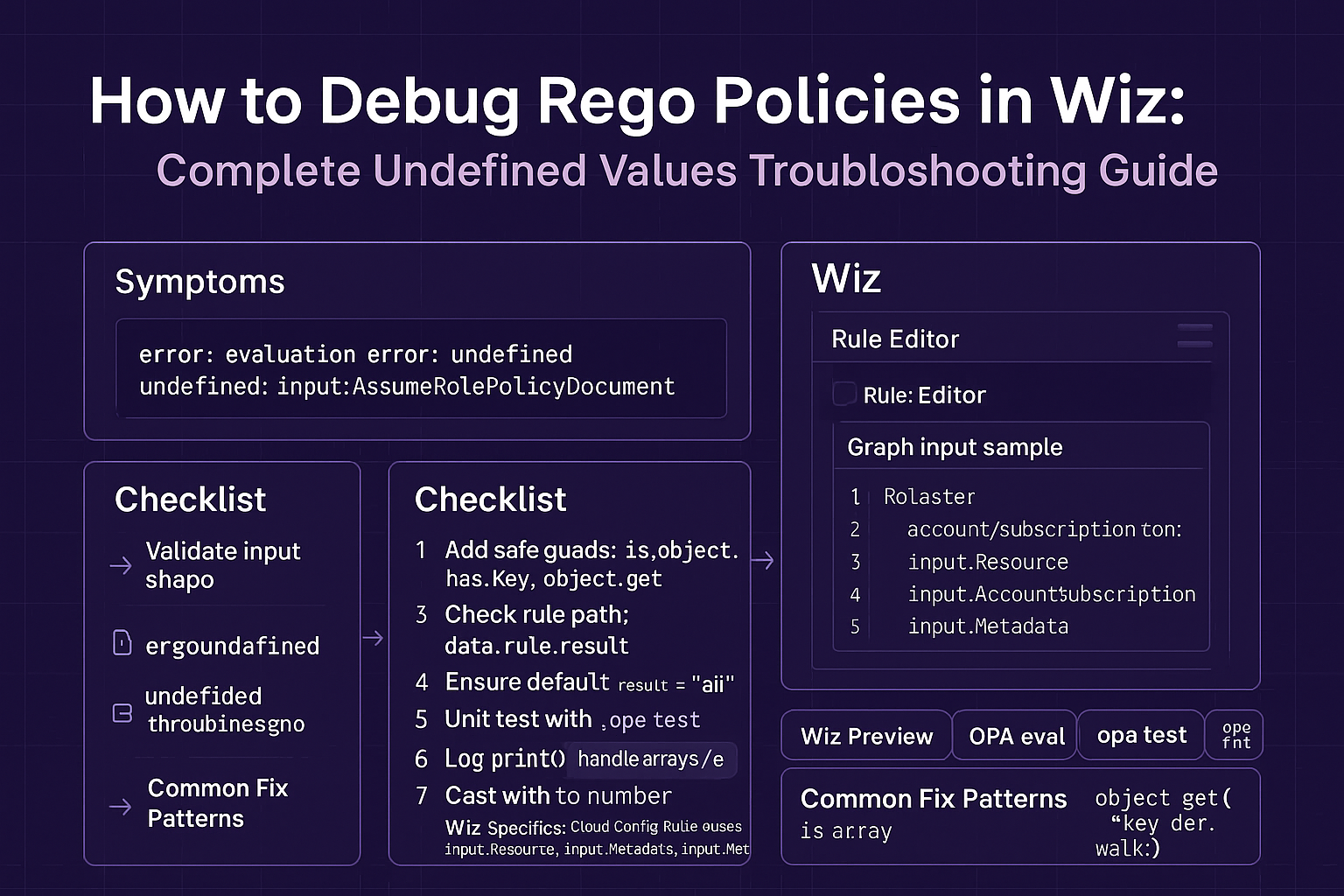
If you're using Wiz to create custom security controls with OPA/Rego, you've almost certainly encountered the dreaded "undefined decision" error. This guide provides a complete framework for writing defensive Rego policies that gracefully handle the unpredictable nature of cloud resource data.
Writing policies that work with perfect test data is easy. Writing policies that don't break in a real-world, multi-cloud environment is hard. We'll cover the root causes of undefined errors and provide a set of best practices and debugging techniques to make your policies resilient.
📋 Table of Contents
🤔 The "Undefined Decision" Problem: A Real-World Example
Let's start with a seemingly simple policy to check if AWS S3 buckets have versioning enabled. This is a common requirement for compliance and data protection.
A Simple (and Flawed) Rego Policy
package wiz

default versioning_enabled = false

versioning_enabled {
    input.Provider == "AWS"
    input.Type == "STORAGE_BUCKET"
    # This line is the problem!
    input.StorageBucket.versioning.status == "Enabled"
}
This policy looks correct. However, when Wiz runs it against a resource where the `versioning` attribute isn't configured at all, the entire policy evaluation fails and returns an "undefined" error, which often counts as a pass!
📉 Root Cause: Why Your Policy Fails on Real Cloud Data
The "undefined decision" error occurs when your policy tries to access a field that doesn't exist in the input data. Cloud resource configurations are not always consistent; many attributes are optional.
When Rego evaluates input.StorageBucket.versioning.status, it must traverse a path. If any part of that path is missing (`StorageBucket` is null, or `versioning` doesn't exist), the evaluation halts and the rule becomes undefined.
✅ The Solution: Writing Defensive Rego Policies
The fix is to write "defensively" by checking for the existence of each nested field before trying to access its properties. This ensures your policy always returns a clear `true` or `false`.
An Improved, Defensive Policy
package wiz
import future.keywords.if

# Helper rule to check for versioning safely
s3_versioning_enabled if {
    input.Provider == "AWS"
    input.Type == "STORAGE_BUCKET"

    # Defensive checks: ensure each object in the path exists
    input.StorageBucket != null
    input.StorageBucket.versioning != null
    input.StorageBucket.versioning.status == "Enabled"
}

# The main rule Wiz evaluates is now simple and clear
default allow = false
allow if {
    s3_versioning_enabled
}
🛡️ Best Practices for Writing Robust Wiz Policies
🔧 A Step-by-Step Debugging Workflow
When a policy fails, follow this simple workflow to find and fix the issue quickly.
1. Isolate the Failing Resource
In Wiz, identify a specific resource that is failing the control. Copy its full JSON configuration data. This will be your test input.
2. Use the OPA Playground
Go to the OPA Playground. Paste your Rego policy in the code window and the resource JSON in the `input` window. This allows you to test and iterate rapidly.
3. Add Debug Statements
If the error isn't obvious, add temporary debug rules to your policy to inspect the input data as Rego sees it. This helps you verify the exact structure and values.
Example Debug Rule
# Add this to your policy temporarily in the playground
debug_info[msg] {
    msg := sprintf("Provider: %s, Type: %s", [input.Provider, input.Type])
}
debug_info[msg] {
    input.StorageBucket != null
    msg := sprintf("Versioning object: %v", [input.StorageBucket.versioning])
}
🎯 Key Takeaways
- Never Assume Data Exists: The primary cause of "undefined" errors is accessing an optional or missing field. Always check for nulls.
- Decompose Logic with Helper Rules: Small, single-purpose rules are easier to read, test, and debug than large, monolithic ones.
- Test Against Reality: Use real-world resource data from your cloud environment for testing, not just perfect, hand-crafted examples.
- Leverage the OPA Playground: It is the single most valuable tool for interactively debugging Rego policies.
🔮 The Future of Policy Debugging
Expect cloud security platforms like Wiz to continue improving their native policy development experience. Future enhancements will likely include built-in step-through debuggers, automated test case generation, and AI-powered suggestions to fix common errors directly within the UI.